Customer-support assistants
Answer product, policy and account questions from your help content and order data, and pass the rest to your team with the conversation attached.
AI chatbots.
Answers with sources.
Support, in-product and internal assistants that answer from your knowledge, show their sources, hand off to a person with the full conversation and act only through tools you approve.
Grounded, scoped and handed off when needed.
A chatbot earns its place when the same questions arrive daily and the answers already exist somewhere: a help center, a policy, an order record. We build for seed to Series B founders whose support load grows faster than the team, whose users stall at the same steps, or whose staff cannot find what the company already knows.
Answer product, policy and account questions from your help content and order data, and pass the rest to your team with the conversation attached.
Help signed-in users from inside your product, aware of their account and the screen they are on, and take approved actions for them.
Let your team ask questions across wikis, policies, tickets and contracts, with every answer filtered by what that person is allowed to open.
A chat box connected to a model makes a good demo. These four behaviors are what make it safe to put in front of customers.
Discuss your requirements →The assistant retrieves passages from your help center, docs, policies or product data and answers with citations, so users and your team can see where each answer came from. When nothing relevant turns up, it says so and offers a person. Our article on RAG vs fine-tuning explains why retrieval is how answers stay current.
Escalation triggers are agreed up front: the user asks, the topic is sensitive or out of scope, or the assistant comes up empty twice in a row. The handoff carries the transcript, sources, account details and what was tried, so nobody asks the customer to start over. It arrives in your support tool through its API, so your team picks it up where they already work.
Checking an order or rescheduling a booking runs through narrow, typed tools with the signed-in user’s permissions, enforced by your application, never by the prompt. Changes need the user’s confirmation; refunds and anything else touching money or compliance wait for a person’s approval until the data shows that step can run on its own. Our guide to AI agent guardrails covers the pattern, and multi-step automation is an AI agent build.
One conversation core serves a widget on your website, an assistant inside your product for signed-in users, and the messaging and support tools your team already uses, where they offer an API. Channels are thin adapters, so knowledge, guardrails and test sets stay shared.
Chat traffic is long-lived and spiky: many open connections, each waiting seconds on a model. The stack is shaped for that and load-tested against your target concurrency.
Go gateway pods hold the WebSocket connections but no conversation state, so any pod can serve any user, and goroutines let a single node keep hundreds of thousands of connections open. Redis pub/sub routes each message to the pod holding the user’s socket, and replies stream token by token. Pub/sub keeps no history, so a client that drops reconnects anywhere and catches up from the conversation store. Kubernetes adds pods as connections climb; a pod being removed first closes its sockets with a reconnect signal.
Conversations, messages, tool calls and handoffs live in PostgreSQL with connection pooling, read replicas and time-based partitioning. Redis holds sessions and per-user and per-tenant rate limits, so one noisy client cannot slow everyone else.
Every message, tool call, rating and handoff is an event on Kafka. One consumer opens the ticket in your support tool; others feed an analytics store, so reporting never touches the production database, and a slow consumer never delays a reply.
Retrieval applies the user’s permissions before ranking, against a vector index chosen around your content and access rules. The model gateway keeps Claude, OpenAI, Gemini or open-source models behind one interface, with per-provider rate limits, timeouts, fallbacks and caching for repeated questions, keyed by tenant and permission scope.
Topic scope is set per assistant. Refusal and escalation rules are written as code and tested like code. Personal data is redacted before anything is logged. Retrieved text and user messages are treated as untrusted input, and tool permissions are checked by your application, so an instruction hidden in a document cannot widen what the assistant may do.
Scripted multi-turn conversations cover common questions, follow-ups that depend on earlier turns, out-of-scope requests, injection attempts, frustrated users and questions your content cannot answer. Each run grades grounding, refusals, escalations, time to first token and cost per conversation, and it re-runs on every model, prompt or knowledge change.
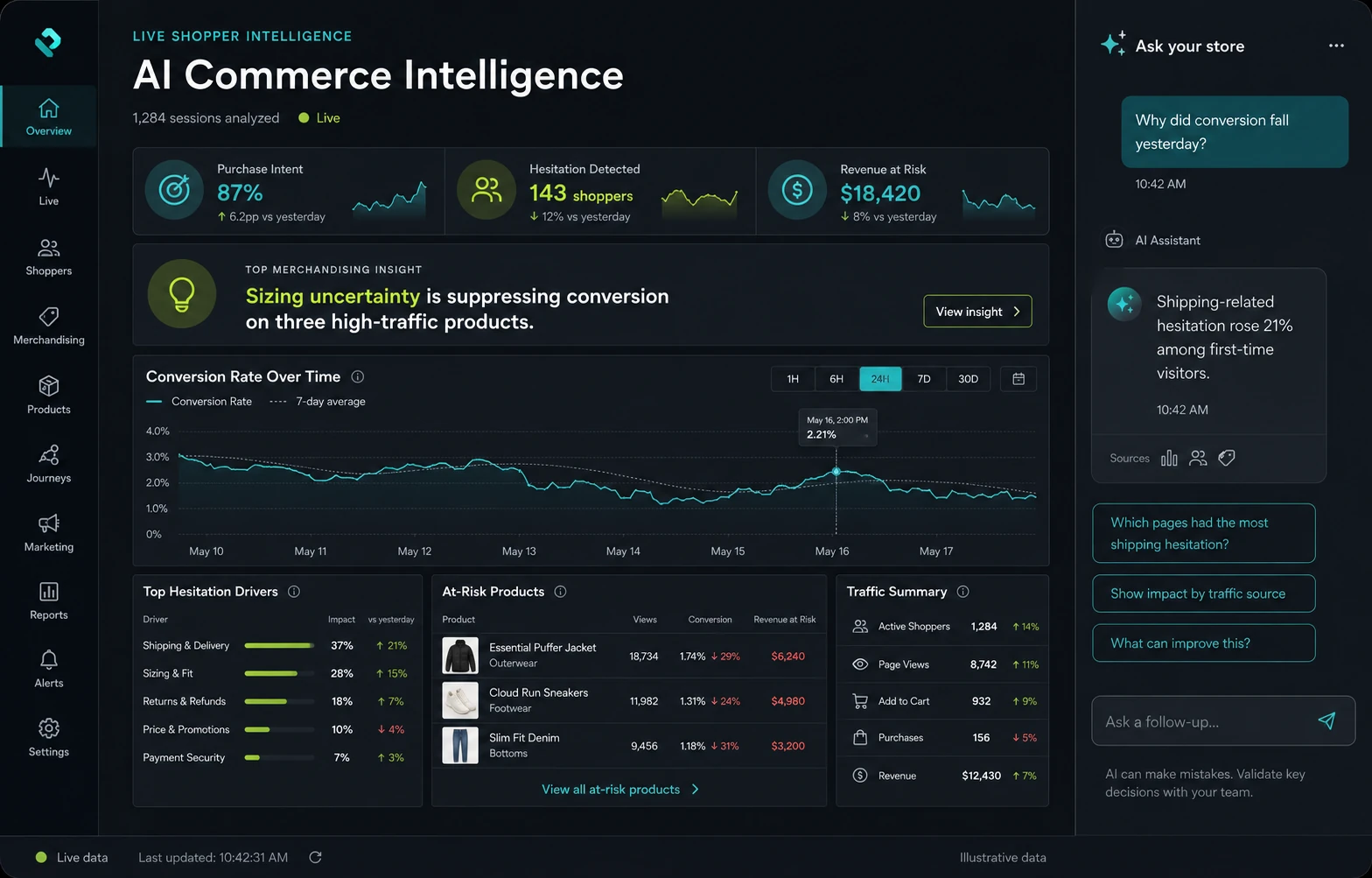
Explore the product interfaces in our portfolio. A useful assistant draws on the same account, order and screen data as the product around it.
Explore our work →Typical ranges, confirmed in a free scoped proposal with deliverables, acceptance criteria and explicit assumptions. We work Pacific Time hours with founders across the US; read how we run engagements for Bay Area startups.
Book a free AI strategy call →Every AI chatbot development engagement starts here.
A demo every week: gateway, conversation store and retrieval first; then handoff, tools and guardrails; then the full conversation test set and a load test at your target concurrency, with p99 latency budgets in the harness.
Release to internal users or a share of traffic first, and widen as handoff reasons, ratings and cost per conversation settle. Then Scale & Run keeps the same senior team month to month, or we hand over cleanly to your hires. The code and IP are yours from the first commit.
Fusebox splits the assistant into fuses, each with a written contract and a harness. Engineers build them in parallel against the contracts, so nobody waits on anyone else, and a fuse is connected only once it passes. If a tool adapter fails, the assistant still answers and hands off while that fuse is fixed.
Contract: the message and event schemas. Harness: a load test at your target concurrent connections, with p99 latency budgets written in.
Contract: a question and a user in, permitted passages out. Harness: an evaluation set with known answers, plus permission tests that query as users without access and must get nothing back.
Contract: what the assistant may discuss, and when it must refuse or escalate. Harness: a red-team conversation set with off-topic requests, injection attempts and sensitive topics.
Contract: each tool’s typed inputs and the handoff payload. Harness: contract tests against a sandbox of your API, proving a tool cannot run outside the user’s permissions, a handoff arrives complete, and a replayed event never opens a second ticket. Once every fuse passes, they are wired together, load-tested, deployed to your cloud and monitored for cost, latency and answer quality.
Gateways and services in Go; Python, Node.js, NestJS or Laravel when the assistant lives inside an existing backend. Chat interfaces and approval screens in React, Vue.js or Svelte, with conversation data in PostgreSQL and Redis and events on Kafka, all on Kubernetes in your AWS or GCP account. A large knowledge base is a RAG & knowledge systems build; drafting and extraction behind the chat fall under generative AI development.
What founders and support leads usually ask before an assistant talks to their customers.
Typically two weeks for the AI Proof, then 4–6 weeks to build, confirmed in a scoped proposal. One assistant over a well-kept help center sits at the short end; several knowledge sources with different permissions, actions in your systems or extra channels push toward the long end. You see a working assistant in a demo every week.
A hosted widget can be a sensible start when answers are public and questions are simple. A custom build earns its place when the assistant must respect each user’s permissions, read from your own systems, take actions, hand off into your support tools with context, or meet your data and scale requirements. You also own the code, the conversation data and the test sets.
Every answer is composed from retrieved passages and shows its sources, and a relevance threshold decides when the assistant should decline and offer a person rather than guess. The test set grades groundedness and includes questions your content cannot answer. No system removes every error, which is why visible sources and a clear escalation path matter.
It is designed for the concurrency you plan for and load-tested against it before launch, with p99 latency budgets written into the harness. The Go gateway scales out on Kubernetes, while request queues, per-provider rate limits and fallbacks absorb slow model calls. Capacity claims need measurements, so you see load-test results rather than a promised user count.
Personal data is redacted before conversations reach logs or the analytics store and, wherever the task allows, before text goes to a model provider, with retention rules set per data type. Transcripts are kept in your cloud accounts, under your keys, and are never used to train models. We sign your NDA and DPA. When your market requires SOC 2 or HIPAA readiness, the conversation store, logs and retention rules are designed for it.
Before launch, the conversation test set scores grounding, refusals and escalations against the acceptance criteria in your proposal. After launch, an analytics store tracks resolution without handoff, handoff reasons, user ratings, time to first token and cost per conversation. Failed conversations become new test cases, so the same mistake is caught before the next release.
Tell us who the assistant serves and where the answers live today. We reply within one business day with questions and a useful next step.
Most products combine a few capabilities. Explore the services that support the next part of your roadmap.