A first AI feature before a raise
Your MVP depends on a draft, a summary or an extraction. Prove it on real data, then build the product around something you can demo and measure.
Generative AI.
Output you can check.
Drafting, summarization, document extraction and routing built into your product, with versioned prompts, validated output and an evaluation set that runs on every model change.
Nothing is saved until it passes validation.
Generative models handle messy language well: long documents, free-text requests, drafts that follow a pattern. They are a poor substitute for arithmetic, permissions or rules your code already enforces. We build for seed to Series B founders who can name one task where that difference pays off.
Your MVP depends on a draft, a summary or an extraction. Prove it on real data, then build the product around something you can demo and measure.
Customers want summaries or drafts inside the screens they already use. The feature ships behind a flag, through your existing API and permissions.
Statements, intake forms and shipping documents arrive as PDFs and email. Extraction turns them into records, with a person checking the hard cases.
Usually one or two, wired into an existing screen or workflow rather than added as a separate chat window.
Discuss your use case →Replies, reports and handover notes drafted from the record in front of the user; summaries of long threads, call notes and case histories. Summaries cite their source passages, so a reviewer can check them without rereading the whole document.
Invoices, contracts and intake forms become typed records that match your schema, each field pointing back to its page. A field that fails a check, such as line items that do not add up to the total, goes to a reviewer instead of being guessed.
Tickets, applications and documents are tagged and routed to categories defined in your code, with an explicit “unsure” route to a person. Routing often suits a smaller, faster model; per-category results in the evaluation set show whether it holds up.
Product descriptions, help articles and outbound drafts are generated in batches, checked against your rules (required facts, banned claims, length, terminology) and queued for review. Nothing is published without the approval your policy requires.
The model call is one box in the diagram. The layers around it keep the feature fast, correct and within its cost per task once real traffic arrives.
One Go service makes every model call. It holds the provider keys, applies per-provider rate limits and timeouts, retries with backoff and falls back to a second model when a provider slows down. Claude, OpenAI, Gemini or open-source models sit behind one interface, so switching is a configuration change.
Prompts live in your repository and change through pull requests, and every output records the prompt version that produced it. A new version must pass the evaluation set, then ships behind a feature flag, so rolling back is a flag change.
The model returns JSON against a schema; the service parses it into typed structures and checks your business rules. Invalid output gets one retry with the error attached, then goes to review. Writes are idempotent, so a retried job never duplicates a record.
When output must reflect your documents or records, the prompt is built from passages retrieved with the user’s permissions applied. Our article on RAG vs fine-tuning covers when retrieval is the right tool; a large knowledge base is usually a RAG and knowledge system build of its own.
Drafts stream to the screen as they are written. Long jobs, such as a full contract or a catalog-wide batch, run on Kafka-fed workers that Kubernetes scales on consumer lag, up to the topic’s partition count. Redis holds per-tenant rate limits and a cache of repeated requests keyed by tenant, because slow model calls, not CPU load, are usually what piles up.
An evaluation set built from your real inputs runs in CI on every prompt or model change, reporting quality, latency and cost per successful task side by side. The gateway redacts personal data where the task allows, and anything customers will see passes a reviewer until the review history shows that step no longer needs one.
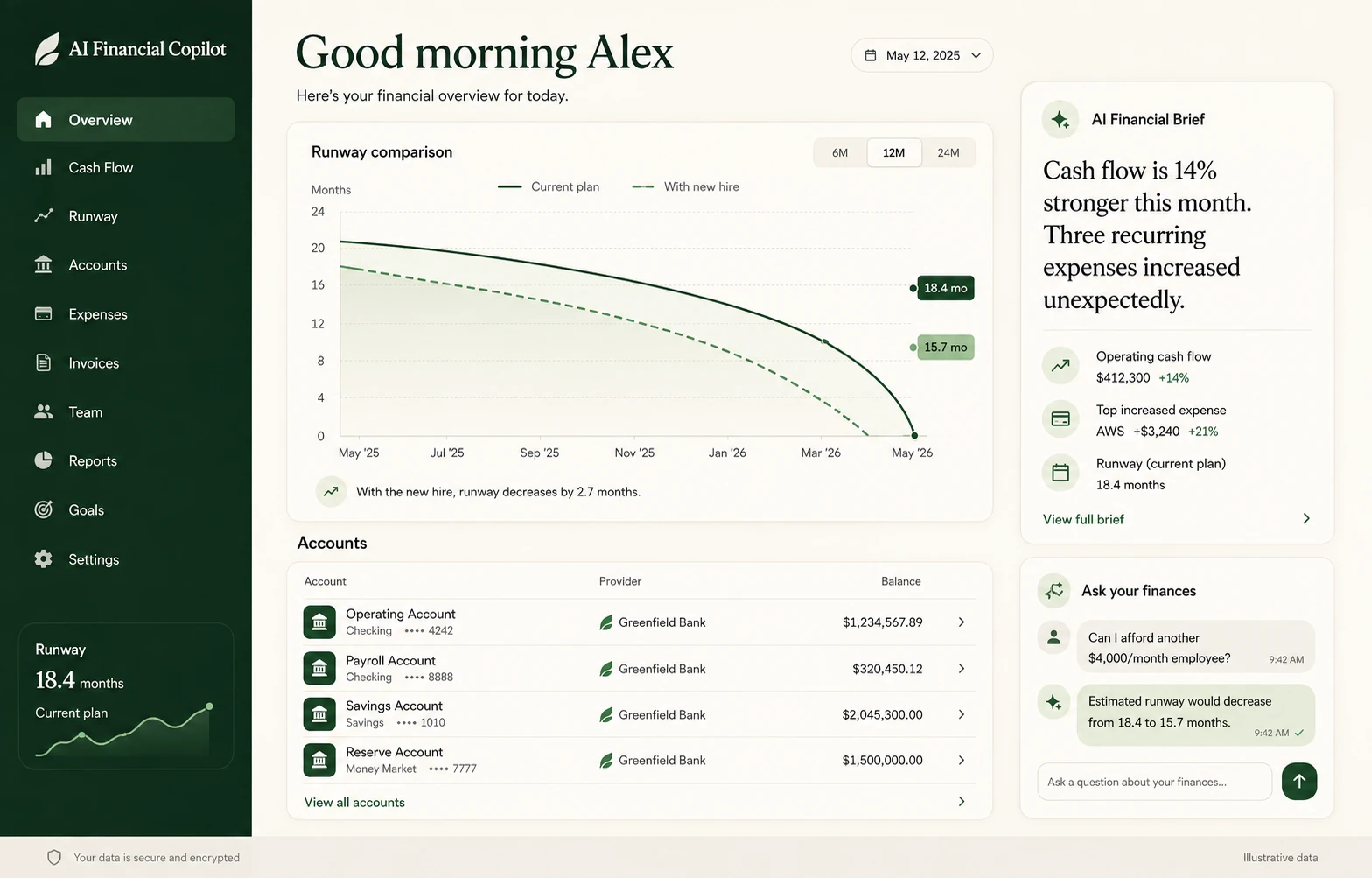
Explore the product interfaces in our portfolio. A generative feature is only as useful as the screen around it: where a draft is reviewed, a source is checked and a correction is saved.
Explore our work →These are typical ranges. The free scoped proposal pins yours down, along with deliverables, acceptance criteria and the assumptions behind them. Calls and weekly demos run on Pacific Time; see how we run engagements for startups in the San Francisco Bay Area.
Book a free AI strategy call →Each generative AI development engagement opens with these six steps.
A demo every week: first the gateway and generator against the evaluation set, then validation, the review screen and writes into your database, then a load test and a staged release.
The feature goes live behind a flag for a share of users while we watch quality, latency and cost per task. From there, Scale & Run keeps the same senior team on the feature month to month, or your own engineers take over with handover docs they can read. The code and IP have been yours since the first commit.
Fusebox breaks the feature into fuses. Every fuse gets a written contract and its own harness, so engineers work side by side rather than in sequence, nothing is wired in until it passes, and integration is the calm part. If extraction for one document type breaks, the others keep flowing.
Contract: a file in, clean text with page references out. Harness: your real samples, including scans and awkward layouts.
Contract: typed input, a versioned prompt, output in your schema. Harness: the evaluation set, with expected outputs and grading rules.
Contract: output in, a valid record or a reasoned rejection out. Harness: broken outputs that prove nothing invalid is written, and replayed jobs that prove nothing is written twice.
Contract: item states and who may move them. Harness: proof that nothing is published without approval. Then the fuses are wired together, load-tested at your target throughput, deployed to your cloud and monitored for cost, latency and quality.
Gateways, workers and APIs in Go; Python where a document-parsing library fits better; Node.js, NestJS or Laravel inside an existing backend. Review screens in React, Vue.js or Svelte. PostgreSQL, Redis and Kafka underneath, Kubernetes on AWS or GCP. Adding AI to software you already run? See AI integration. Want a conversational interface on top? See AI chatbot development.
What founders and technical leads usually ask before a generative feature goes into their product.
Typically two weeks for the AI Proof, then 4–8 weeks to build, confirmed in a scoped proposal. One document type or one kind of draft with clean samples sits at the short end. Several document types, a review interface, retrieval over your data or compliance requirements push toward the long end. You see working software every week.
Claude, OpenAI, Gemini or open-source models, chosen per task on evaluation results, latency and cost. Every call goes through a model-agnostic gateway, so switching provider, or running two side by side, is a configuration change rather than a rewrite. The evaluation set shows whether quality holds on your own examples before a switch reaches users.
Ground it, constrain it and measure it. The model works from the input document or retrieved passages rather than its own memory, and output must fit a schema and your business rules before it is saved. Customer-facing output is reviewed until the data supports more autonomy, and the evaluation set runs before every release to catch regressions on the cases it covers.
No. We build products on top of existing models and never train models on your data. A generative feature starts with clear prompts, structured output, retrieval where answers depend on your data, and an evaluation set that shows where quality falls short. Fine-tuning is an option some teams weigh when that evaluation keeps showing the same format or behavior error, after those simpler steps.
We track tokens per task, context growth, retries and cache hits from the first build week, and report cost per successful task beside quality and latency. Common levers are a smaller model for classification, shorter context, caching, batching long jobs and capped retries. Each change is re-checked against the evaluation set, so a configuration that costs less per task but scores worse is caught before it ships.
Source documents, generated records and logs are stored in your cloud accounts, under your keys, and we never train models on any of it. Only the text a task needs is sent to the model provider you choose, with personal data redacted or minimized wherever the task allows, and logs keep the redacted version. We sign your NDA and DPA. Where your market needs SOC 2 or HIPAA readiness, the design accounts for it.
Tell us what the feature should produce and where it fits. We reply within one business day with questions and a useful next step.
Most products combine a few capabilities. Explore the services that support the next part of your roadmap.